
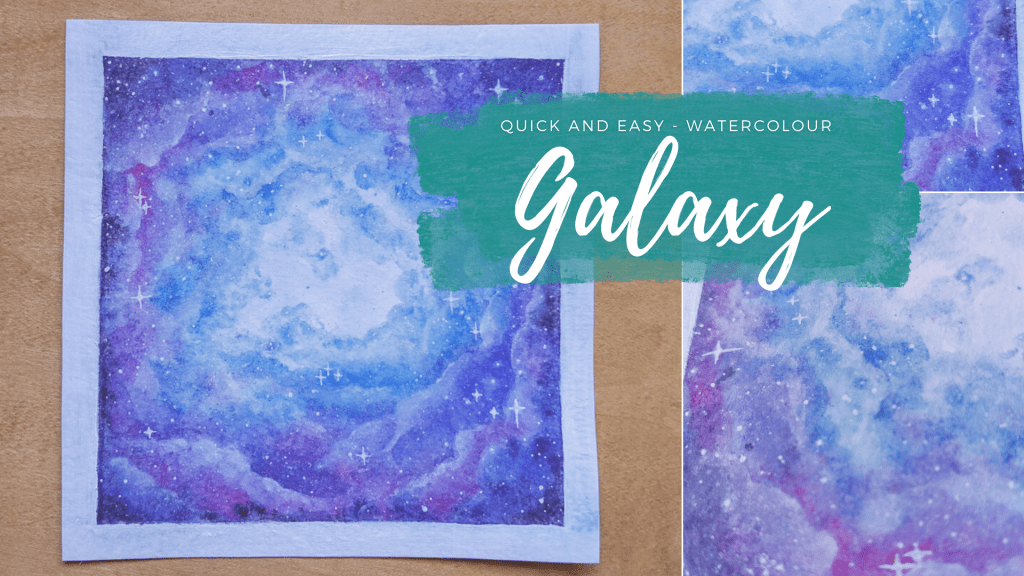
My go-to things to paint have always included forests and galaxies. Not only are these subject matters welcoming to newbies, but you really can’t make any mistakes in painting them.
With the holiday season looming, this is the perfect time to break out the craft supplies and make meaningful gifts for loved ones.
For this tutorial, I used:
- Farber Castell Watercolour Pencils in shades: Light Ultramarine, Ultramarine, Helioblue-Reddish, Mauve, Delft Blue, Middle Purple Pink, Dark Indigo, and White
- White Gouache
- Tooli Art Acrylic Paint Pen in White
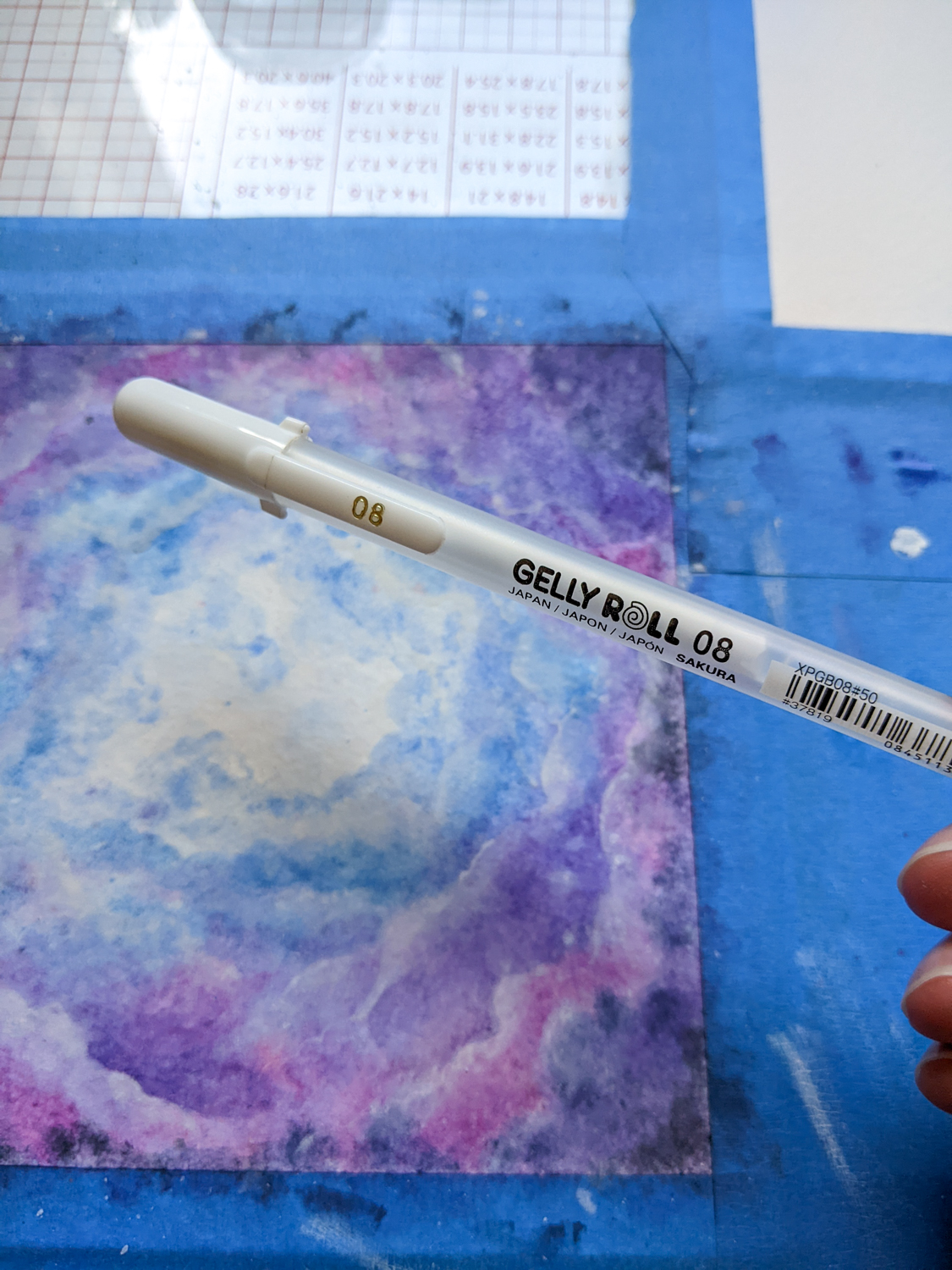
- Sakura Gelly Roll in 08 (White)
- Water and a medium-sized watercolour brush
- 140lb/300gsm cold-pressed, cellulose-based watercolour paper, which I secured with regular painter’s tape
This style of painting can be achieved with coloured pencils, markers, or watercolours, too! And, if you’re feeling adventurous, you could also use acrylic paints or gouache, though that would be slightly more advanced. Learn more about these mediums in my post A Beginner’s Guide to Acrylics, Gouache, and Watercolours.
The colour palette doesn’t matter—feel free to use whatever shades speak to you. The most important thing is to work from lightest to darkest.
Step 1
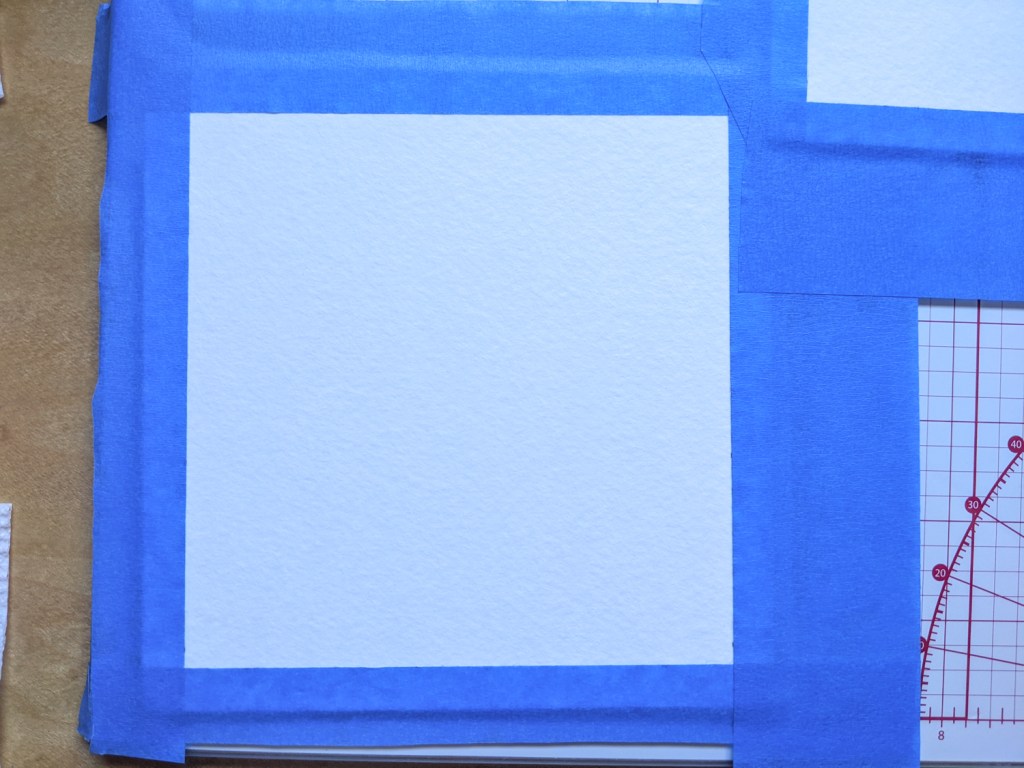
Prepare your painting surface. I have a tutorial on How to Stretch Watercolour Paper here.
Step 2
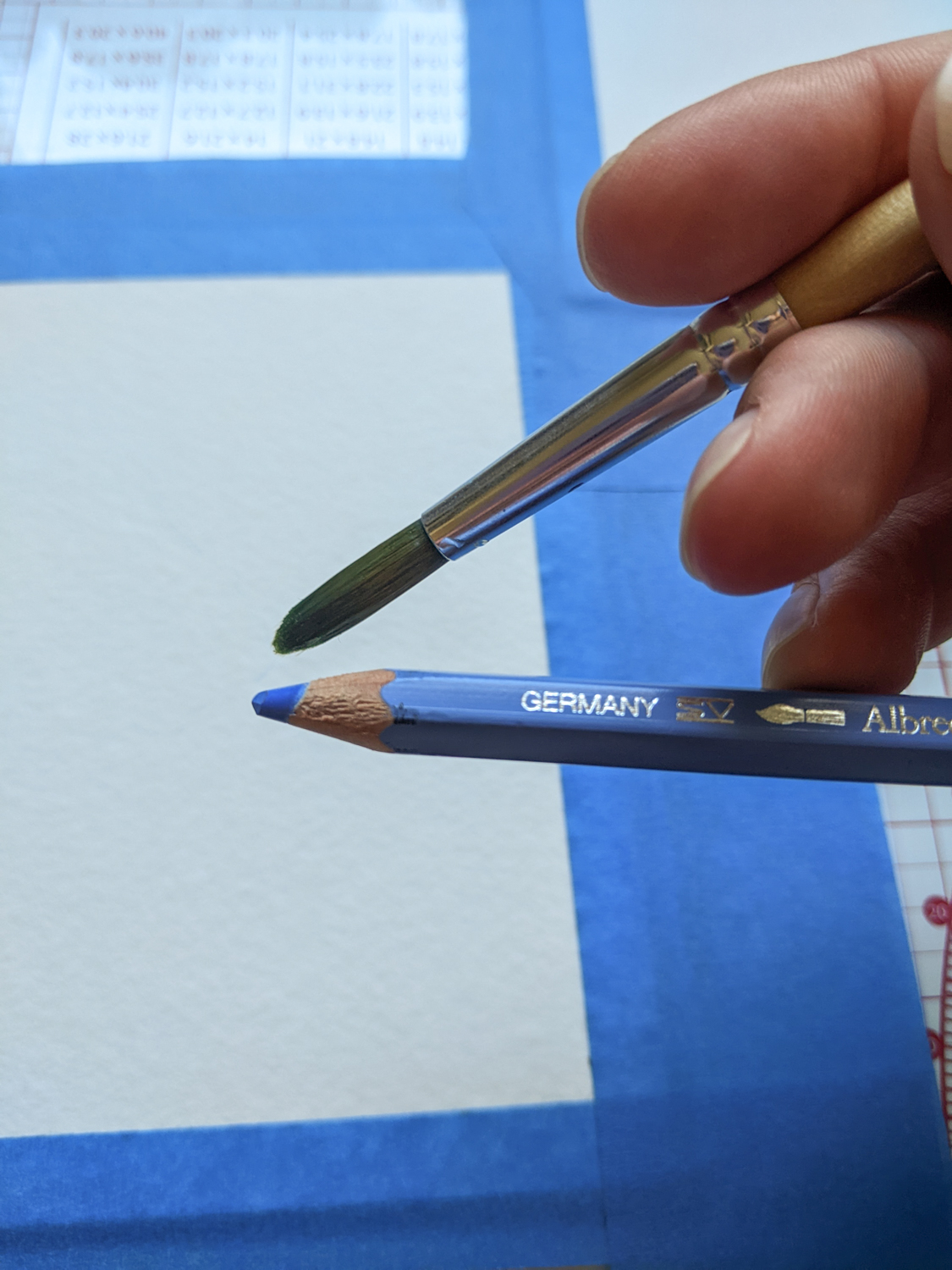
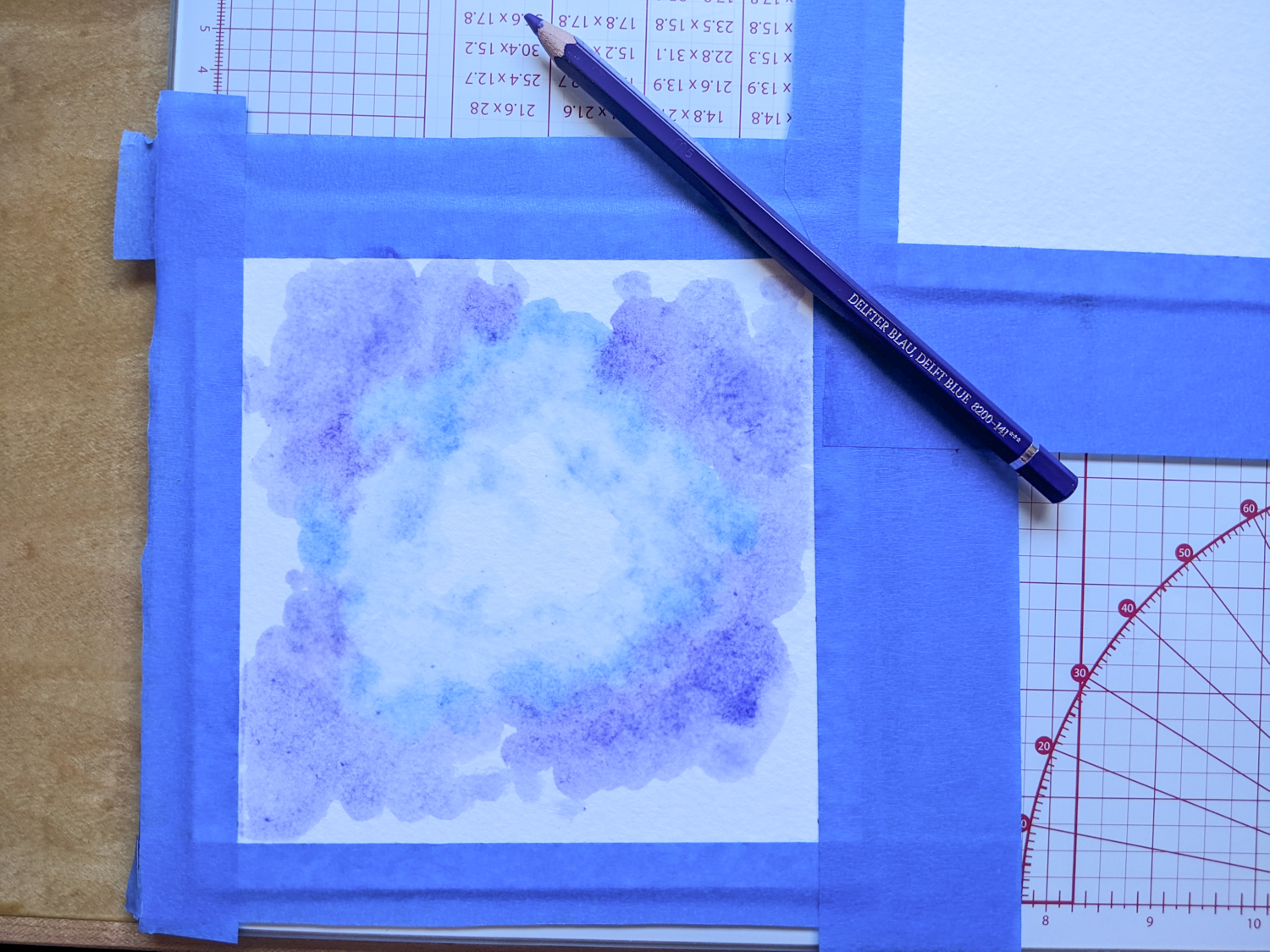
I wet my paintbrush and lifted pigment directly off the tip of the watercolour pencil, and used this technique throughout the tutorial.
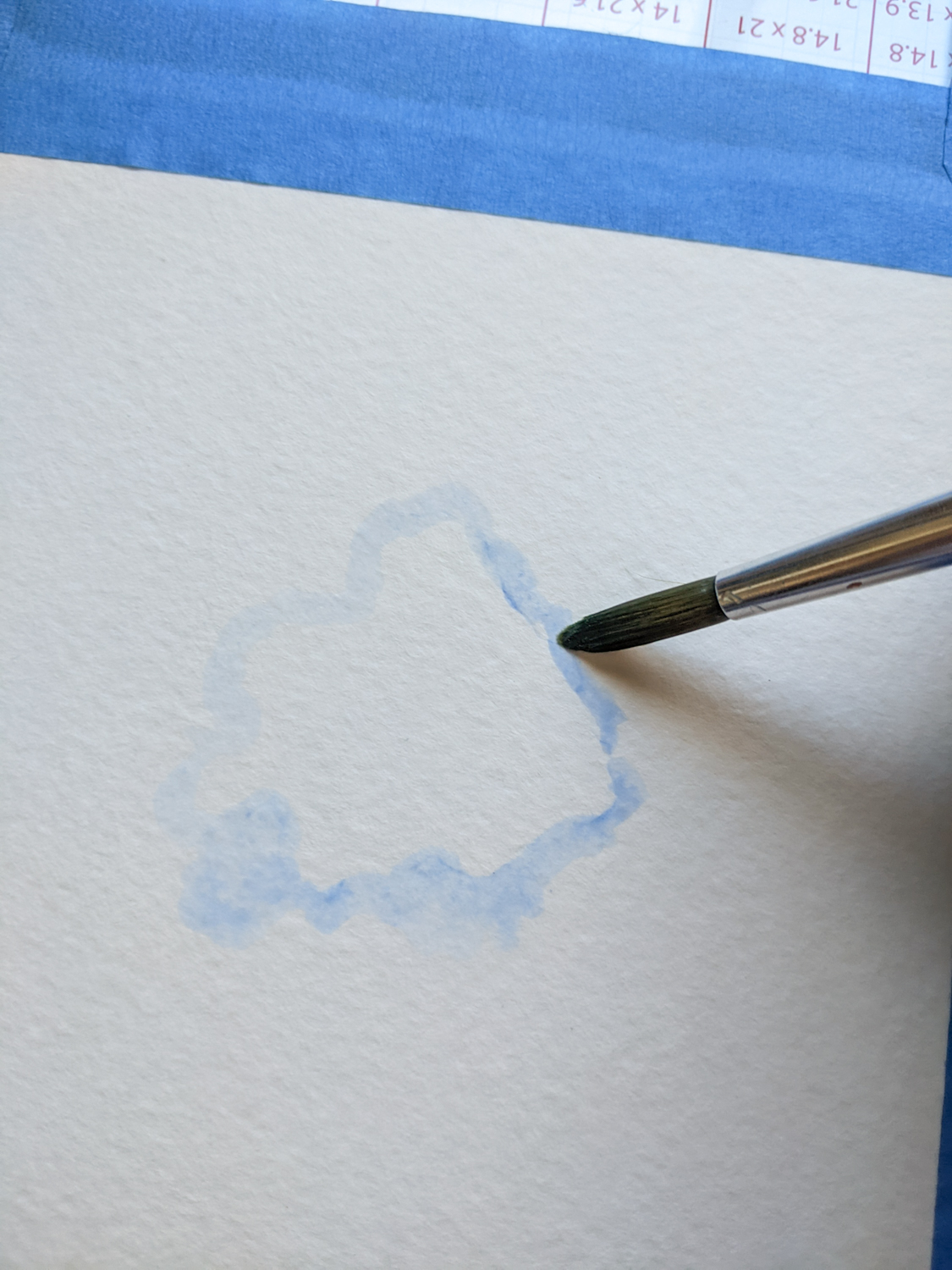
With the pigment loaded on the brush, I painted a flowy cloud-like shape in the centre of the page, adding water to the outer edges to soften them.
Clean the paintbrush.
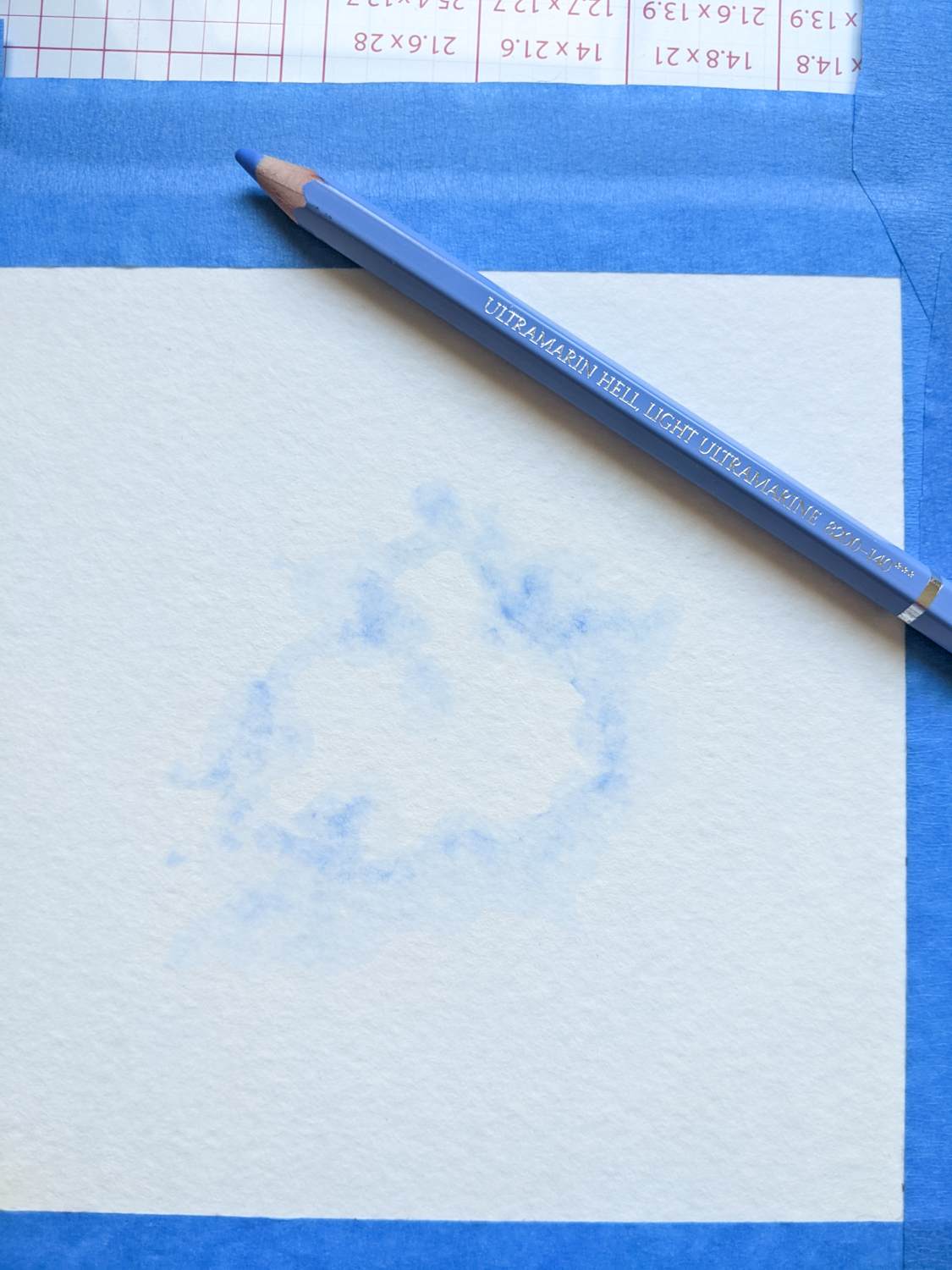
Steps 3-7
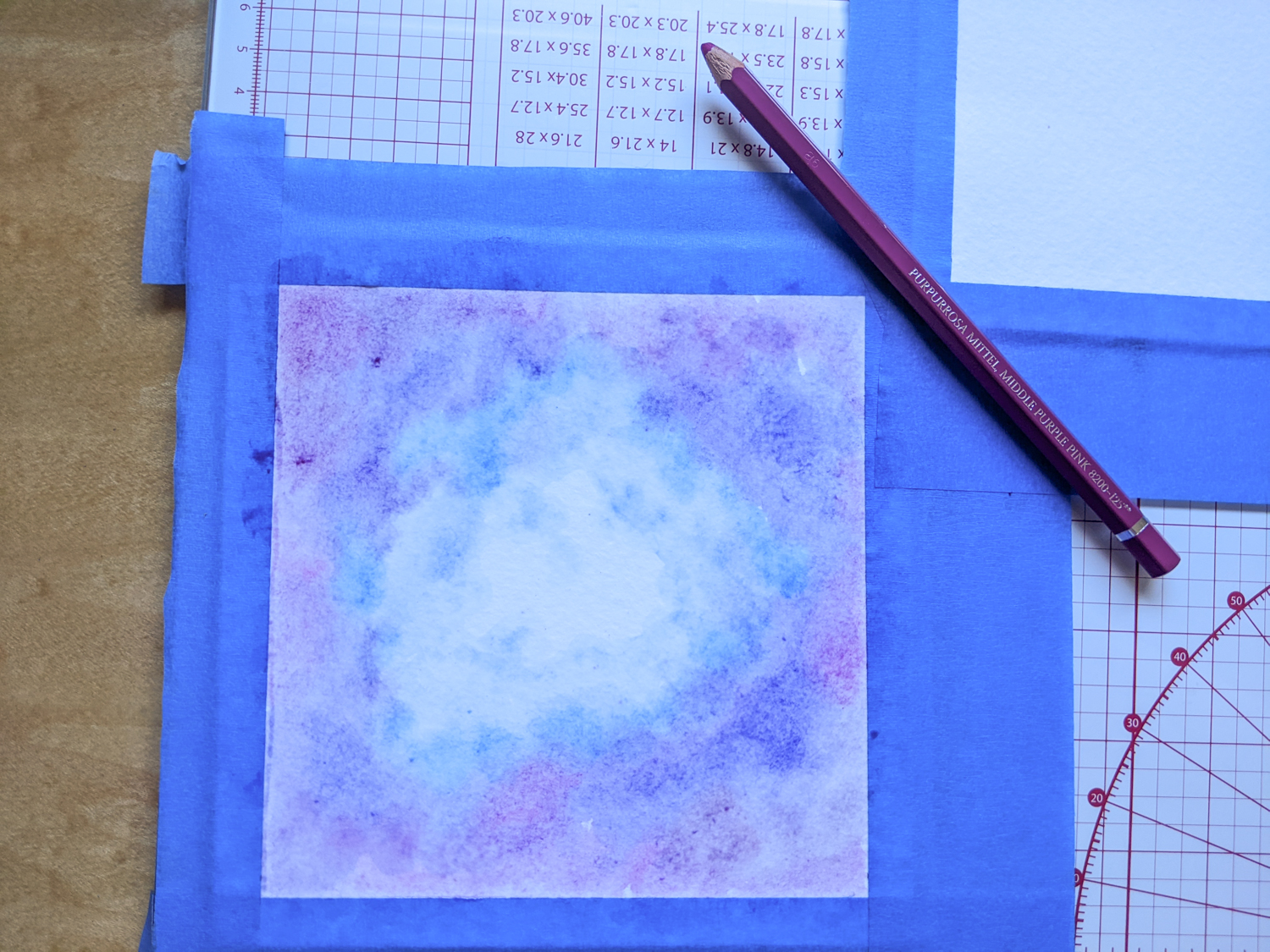
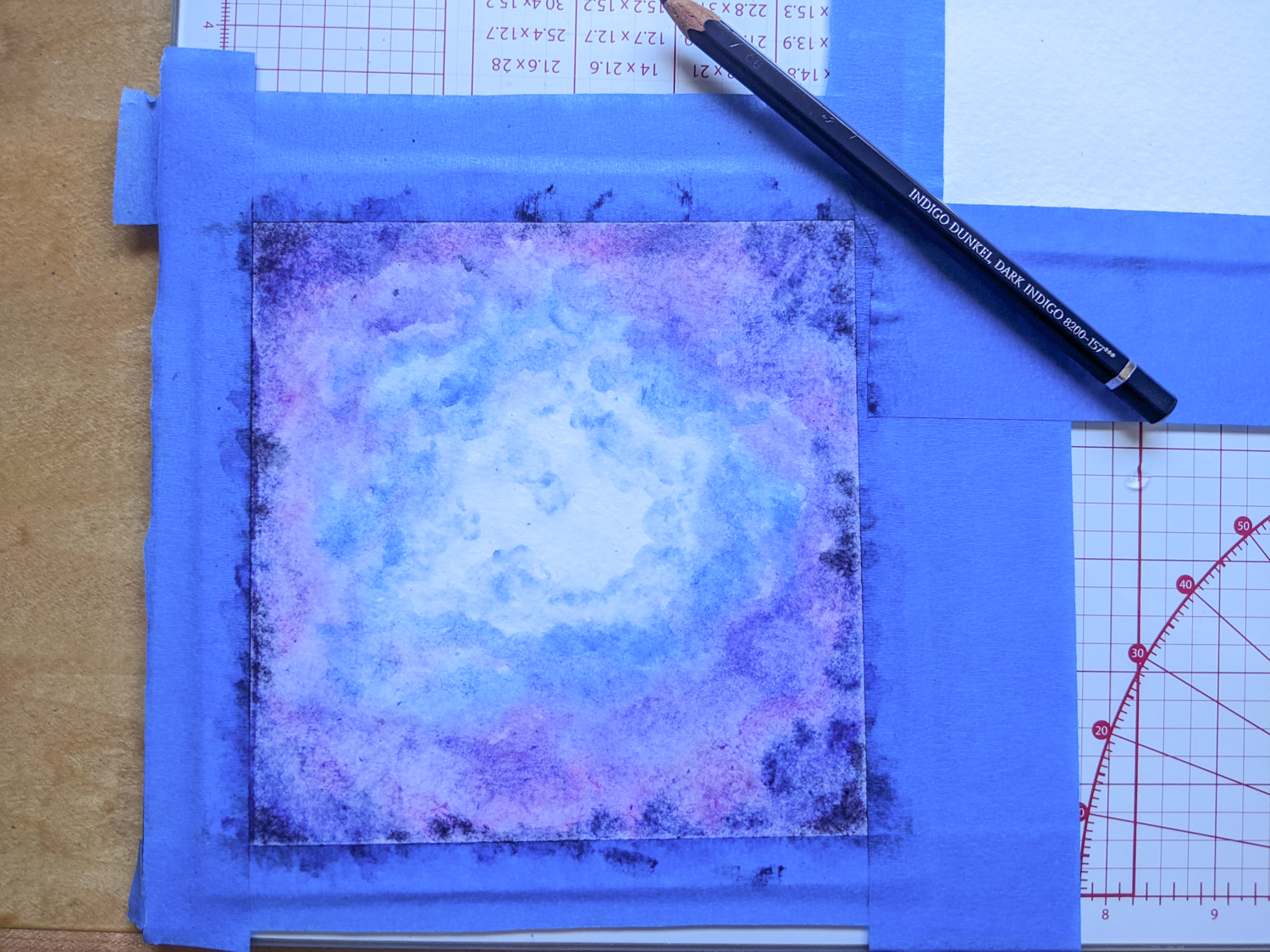
Load the pigment of the next darkest shade and paint a slightly larger cloud-like shape along the outer edges of the previous step.
I went from blue to purple to pink.
Also splatter droplets of some shades (I did this with purple and pink) to add some interesting textures to the canvas.
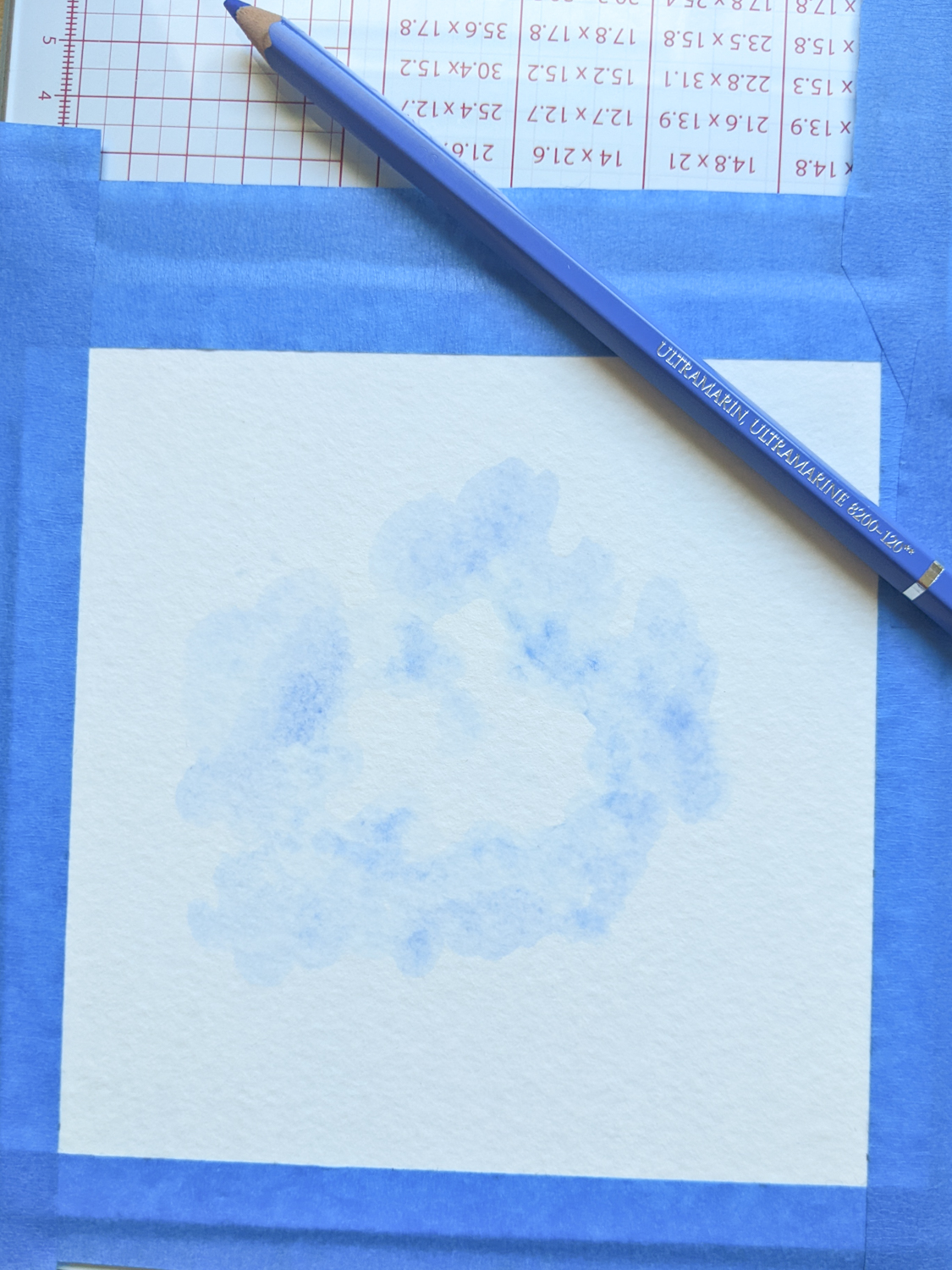
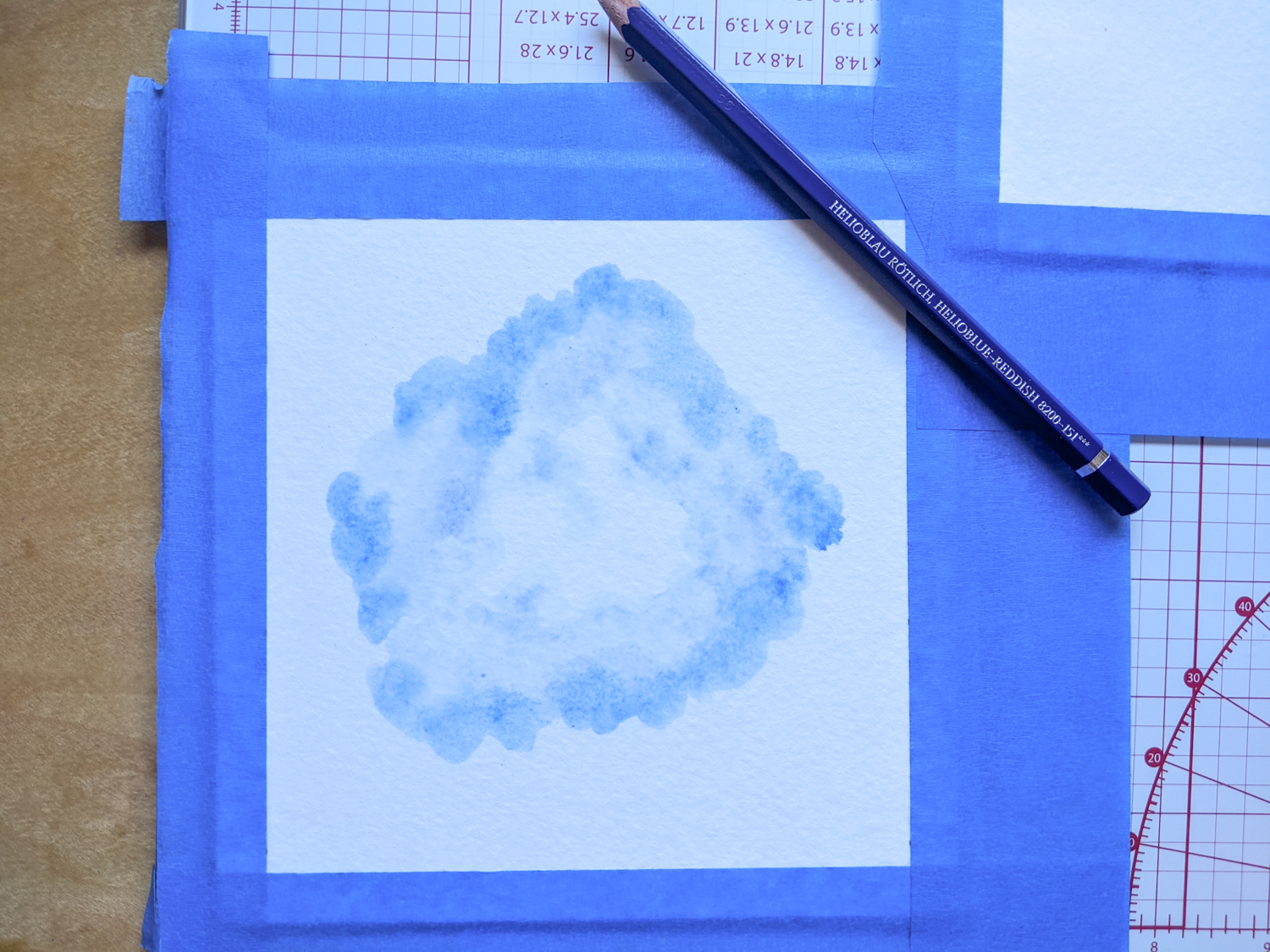
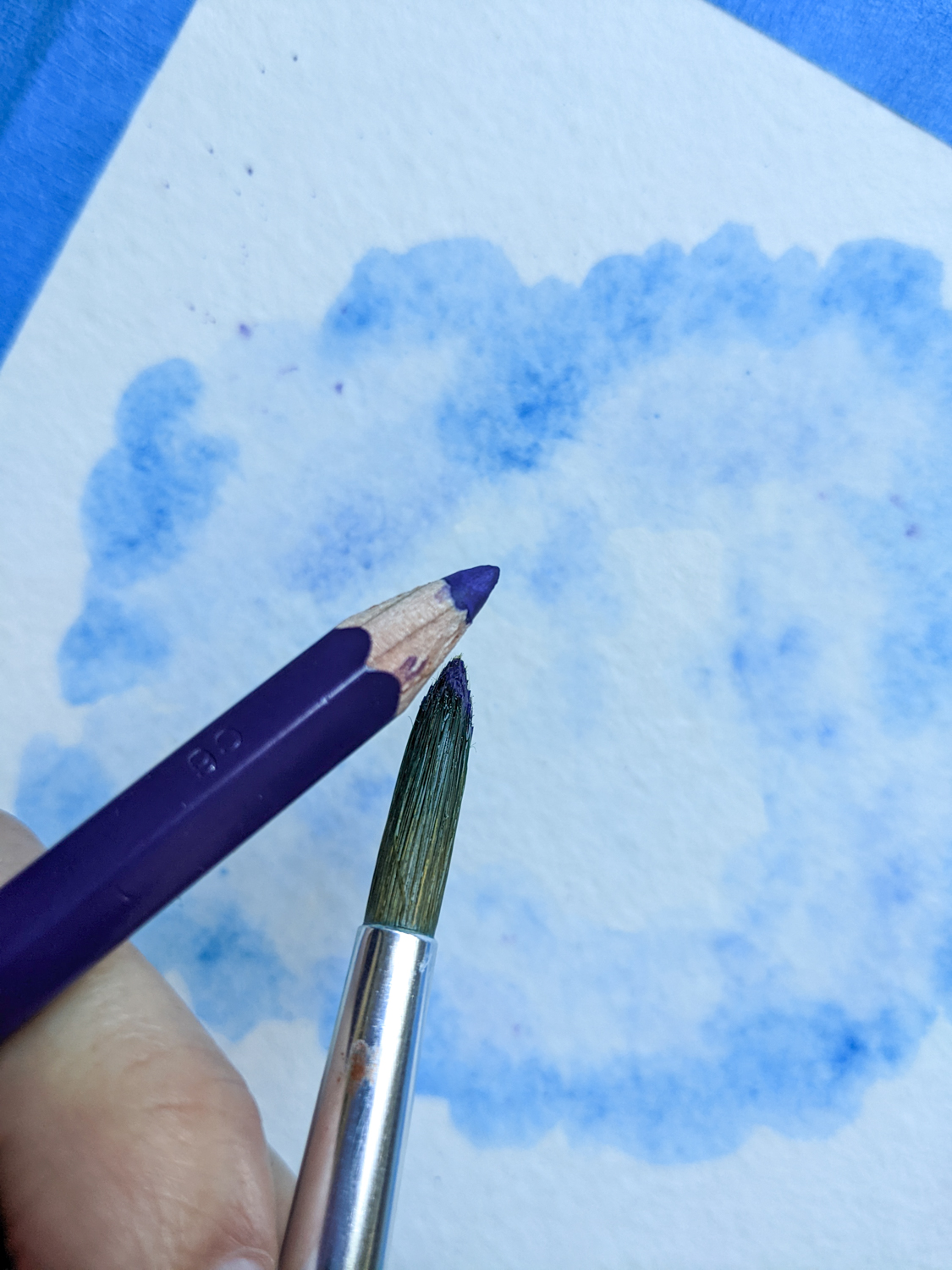

Step 8
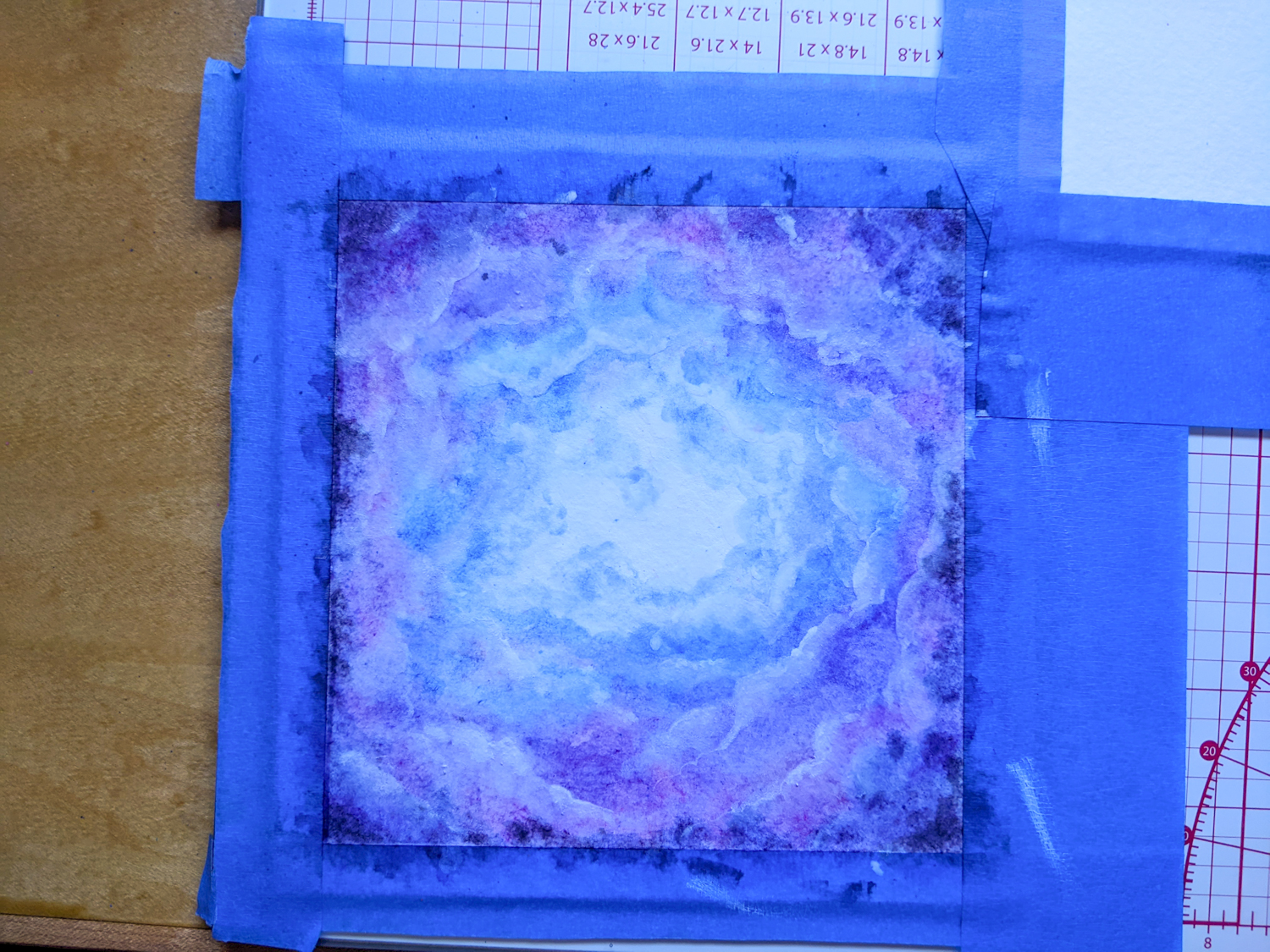
Repeat the previous steps by layering the corresponding colours over each other. Layering watercolours allows us to achieve greater vibrancy and opacity in our artworks. I layered each colour twice.
Step 9
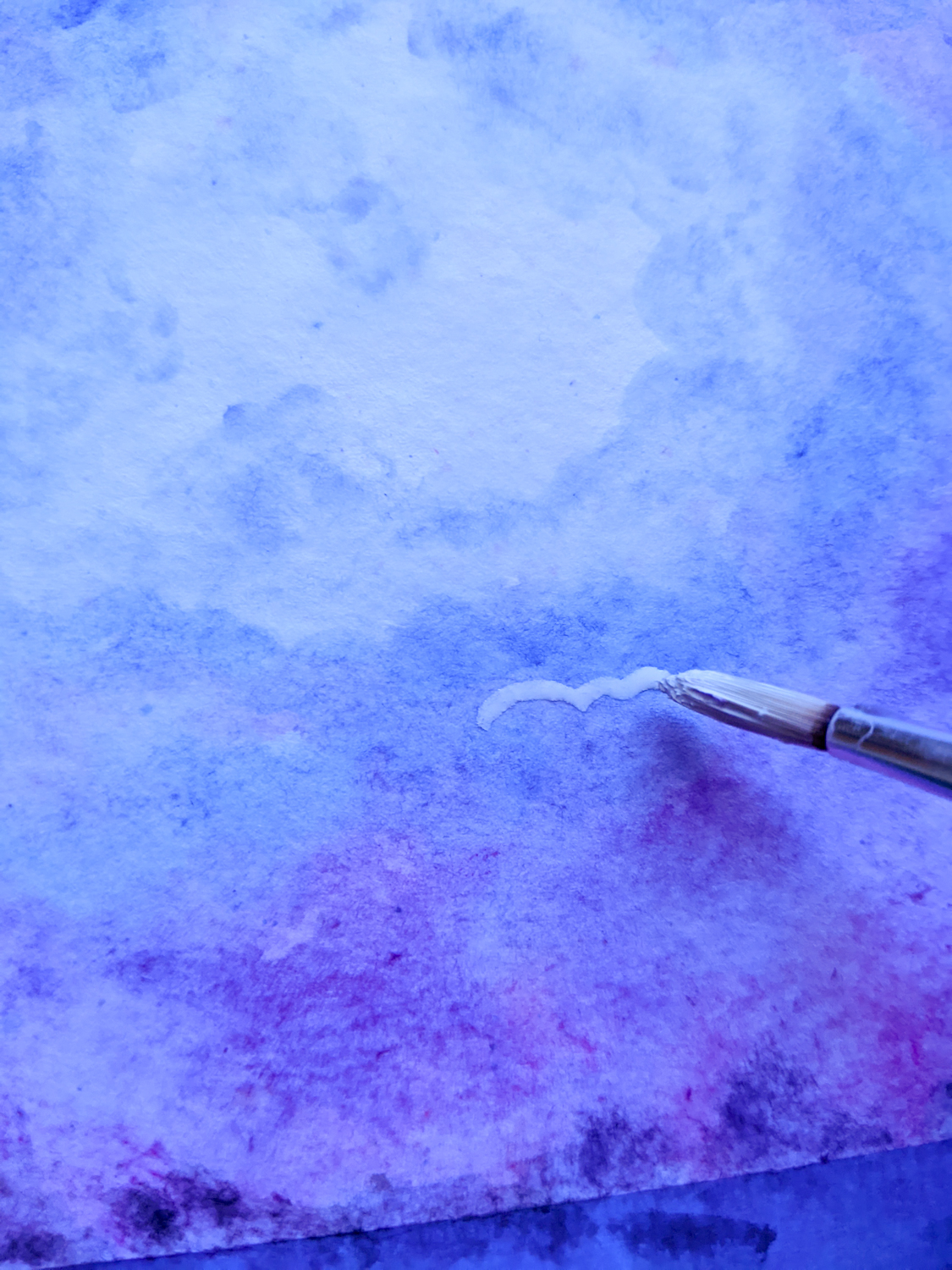
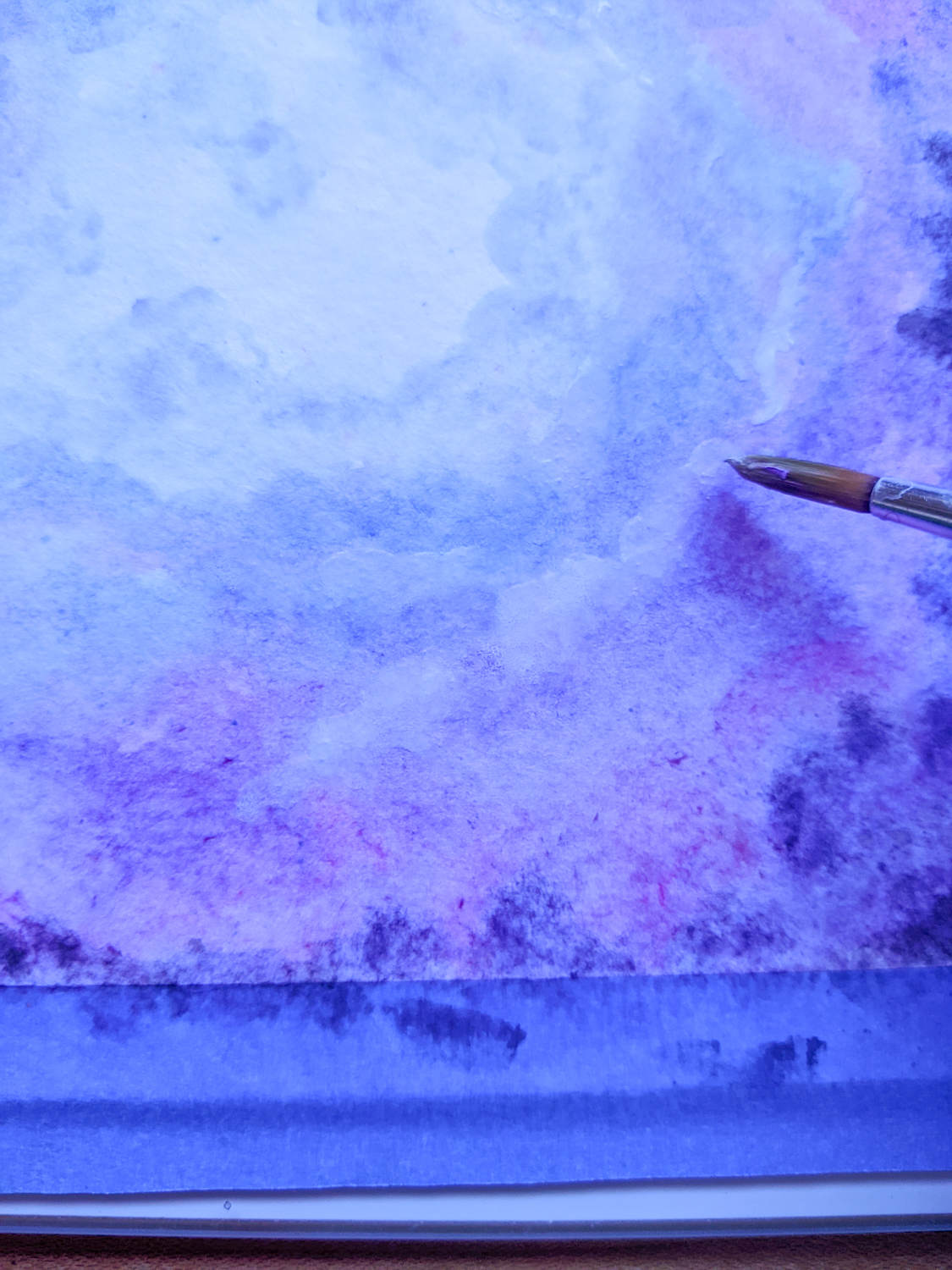
I painted brighter edges along the edge of each shade using thin, white gouache and blending the white into the pigment below.
This gives the illusion of clouds and creates depth by using highlights and shadows.
There is no right or wrong way to do this, but if you want to correct a section, just hop back in with the watercolours! Gouache reactivates when wet, so the white pigment will mix into any paint applied over its surface.
Step 10
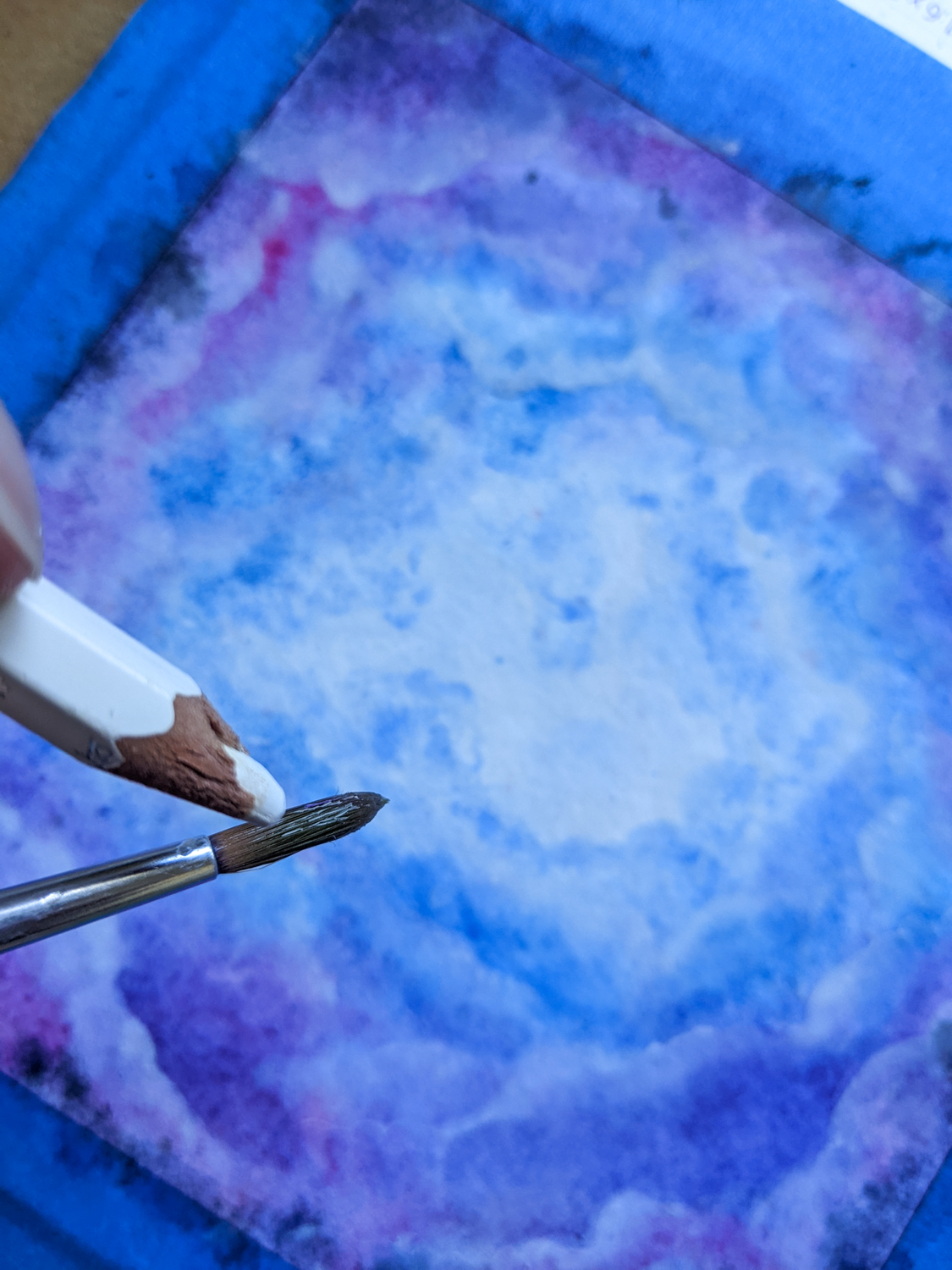
Load the brush with water and lift pigment from the white watercolour pencil. Now, splatter to your heart’s content!
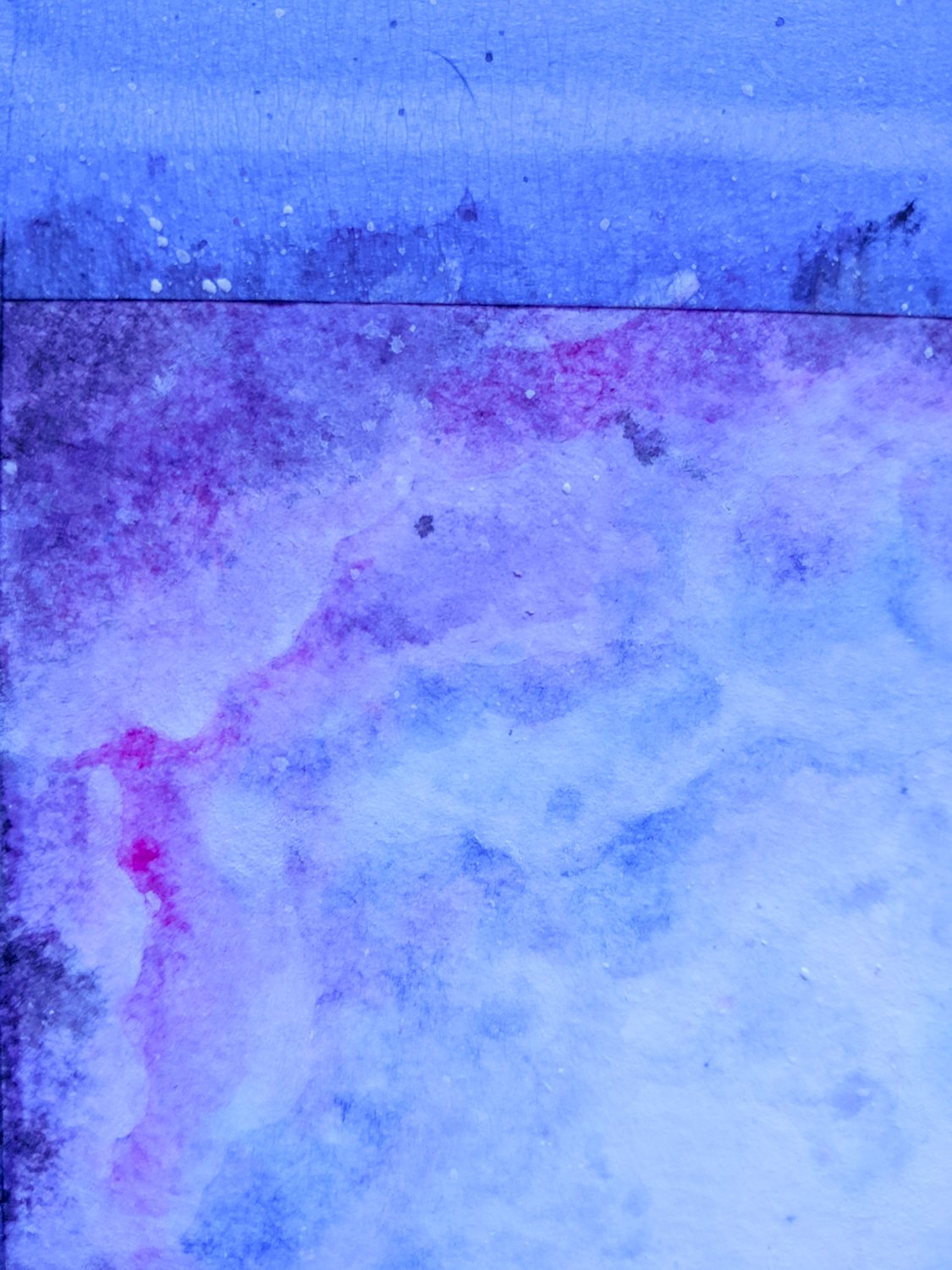
Don’t fret if some of the spatter seems too large—the white paint will dry lighter than it seems when wet, creating haloes we’ll use in the next step.
Step 11
While the page is still damp, add larger stars on the larger spatter drops using a white acrylic paint pen. The moisture trapped in the page will allow the pigment to bleed, amping up the halo effect I mentioned in Step 10. These haloes make the stars seem brighter.
Don’t worry if you don’t own a paint pen! You’ll get the same result by drawing larger dots with any white pen, you might just need to layer the pigment to achieve the same opacity level.
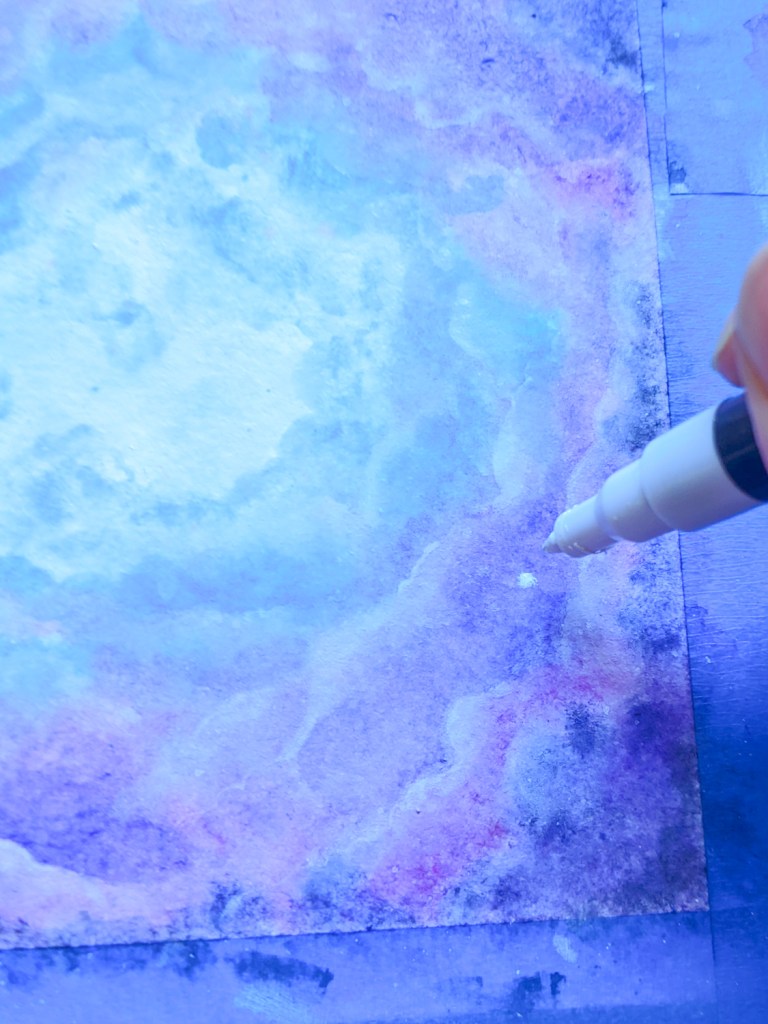
Step 12
Dot in smaller clusters of stars and details using a white gel pen OR paint them in with white acrylic and a fine brush.
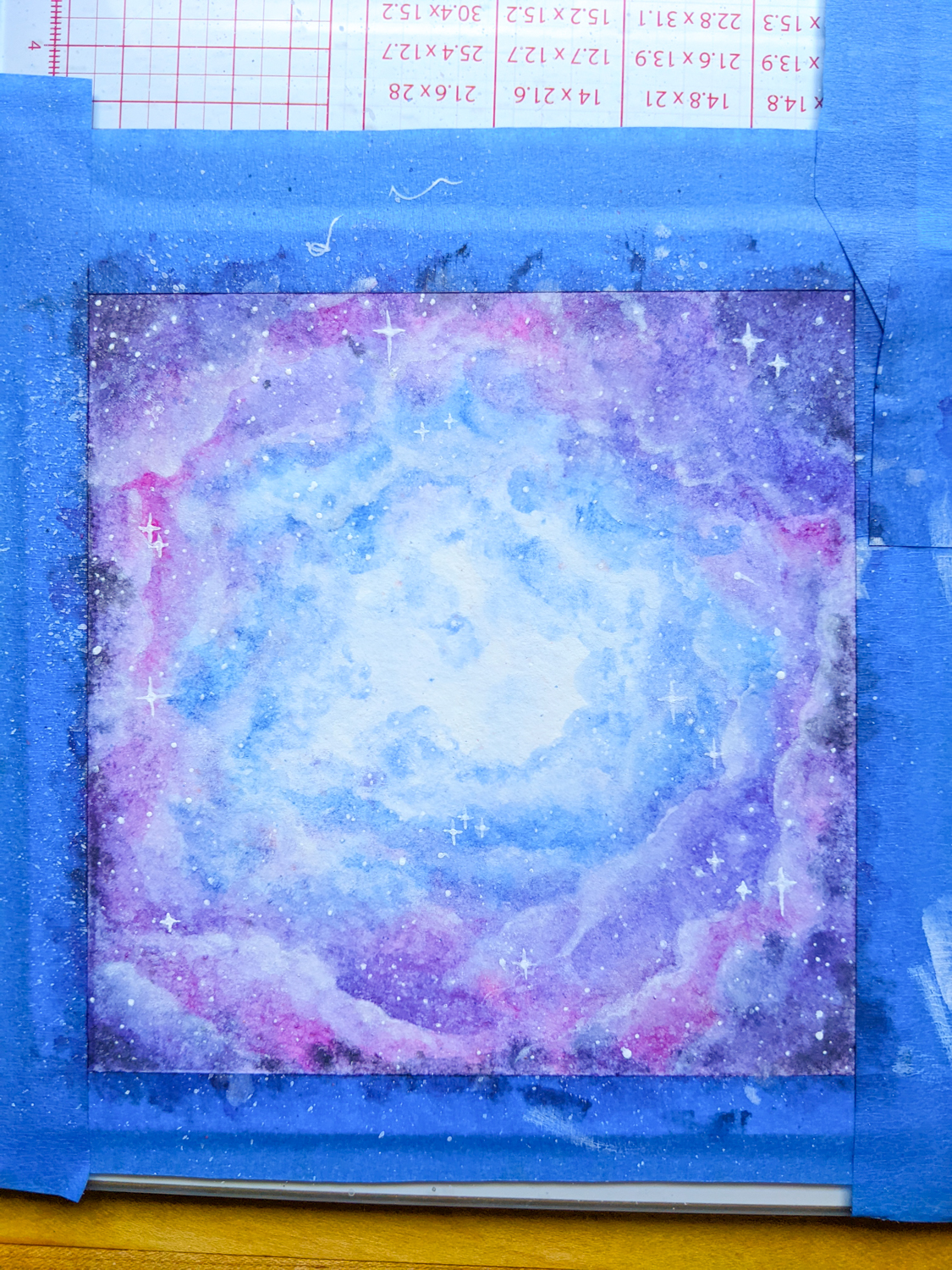
And that’s it!
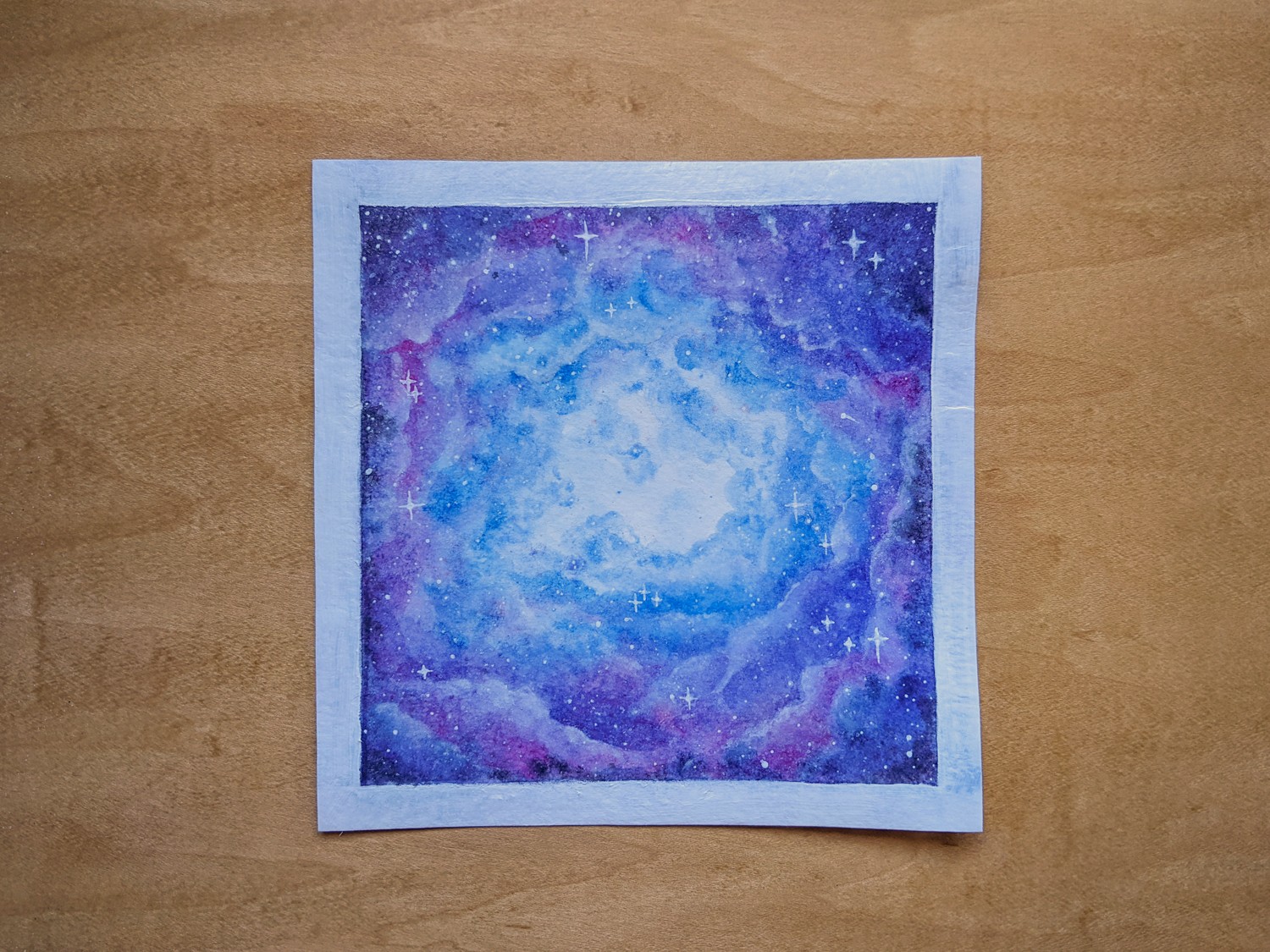
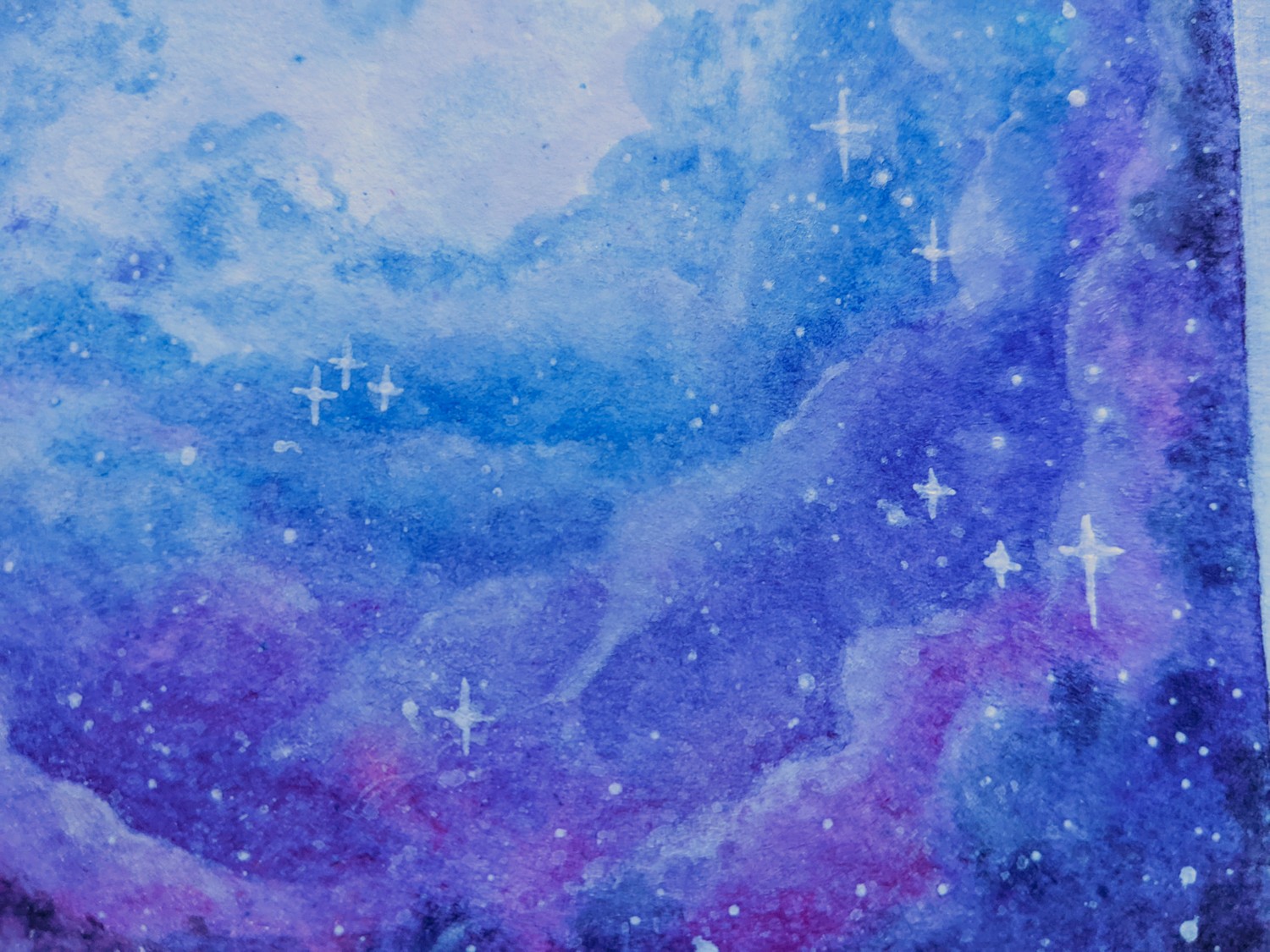
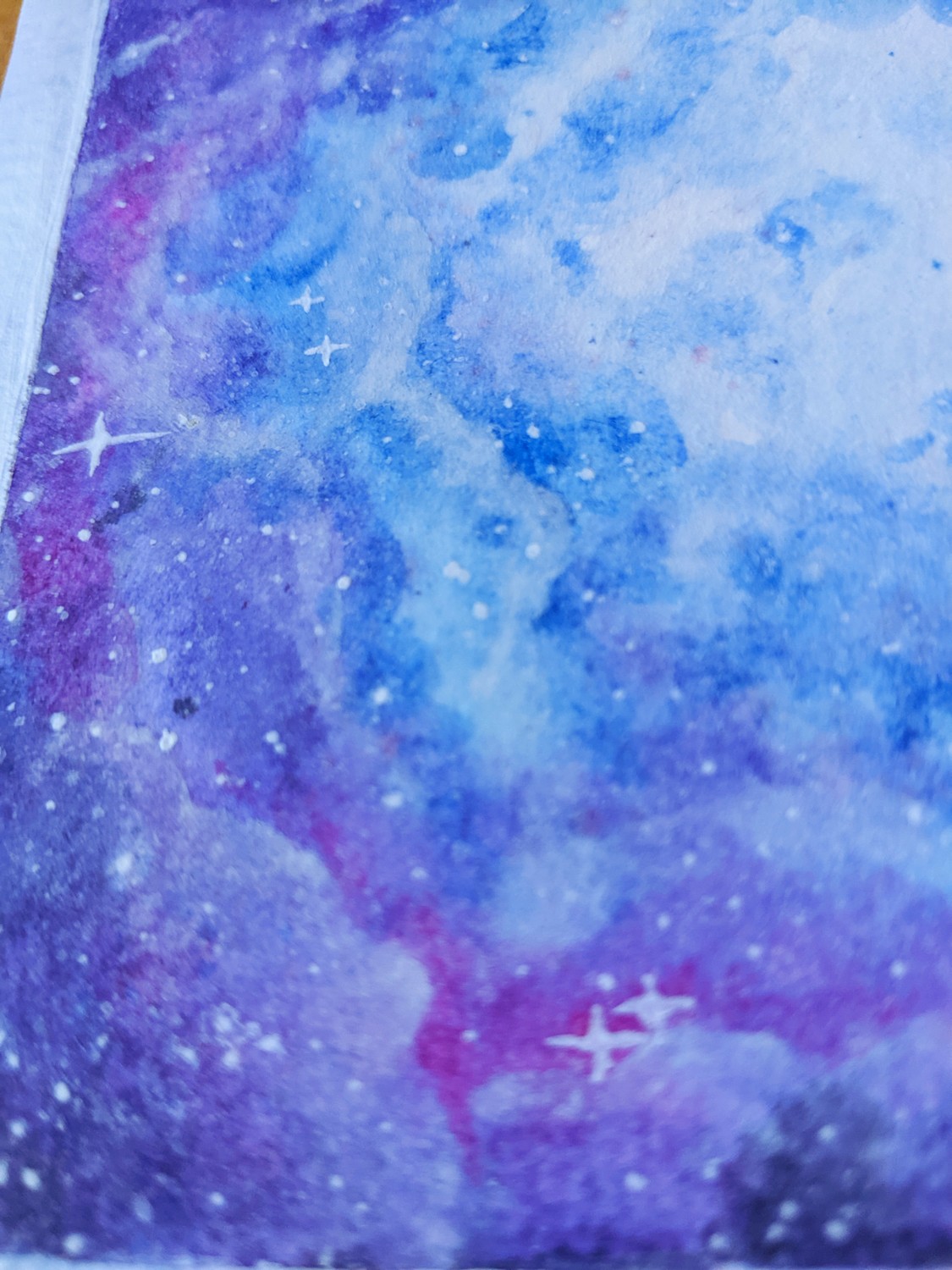
I’ve also used this technique in simpler colour families, and it always turns out great. Which colours will you choose?
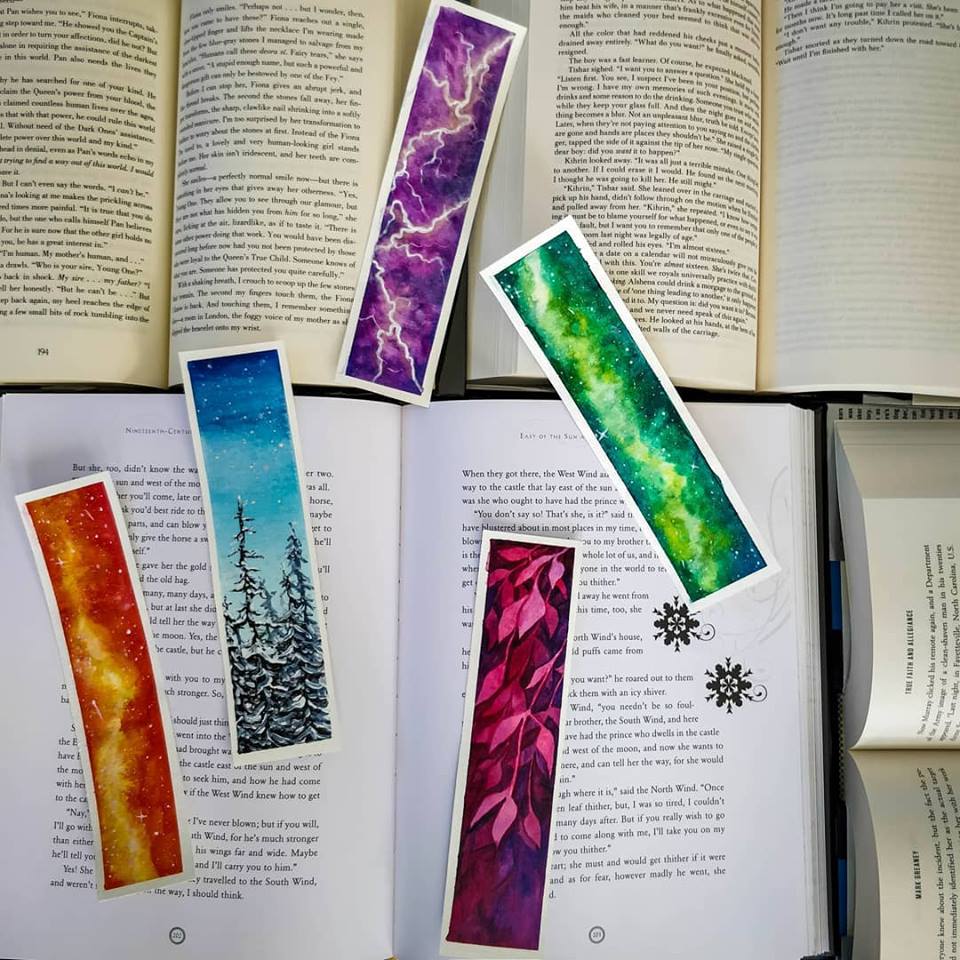
Until next time.
Yolandie




Let’s Chat!